
HandsUP Local Login Helper

Key Features • Installation • How To Use • Screenshots • Limitation • License
Install an userscript manager to your browser.
Then click following button to install this userscript.
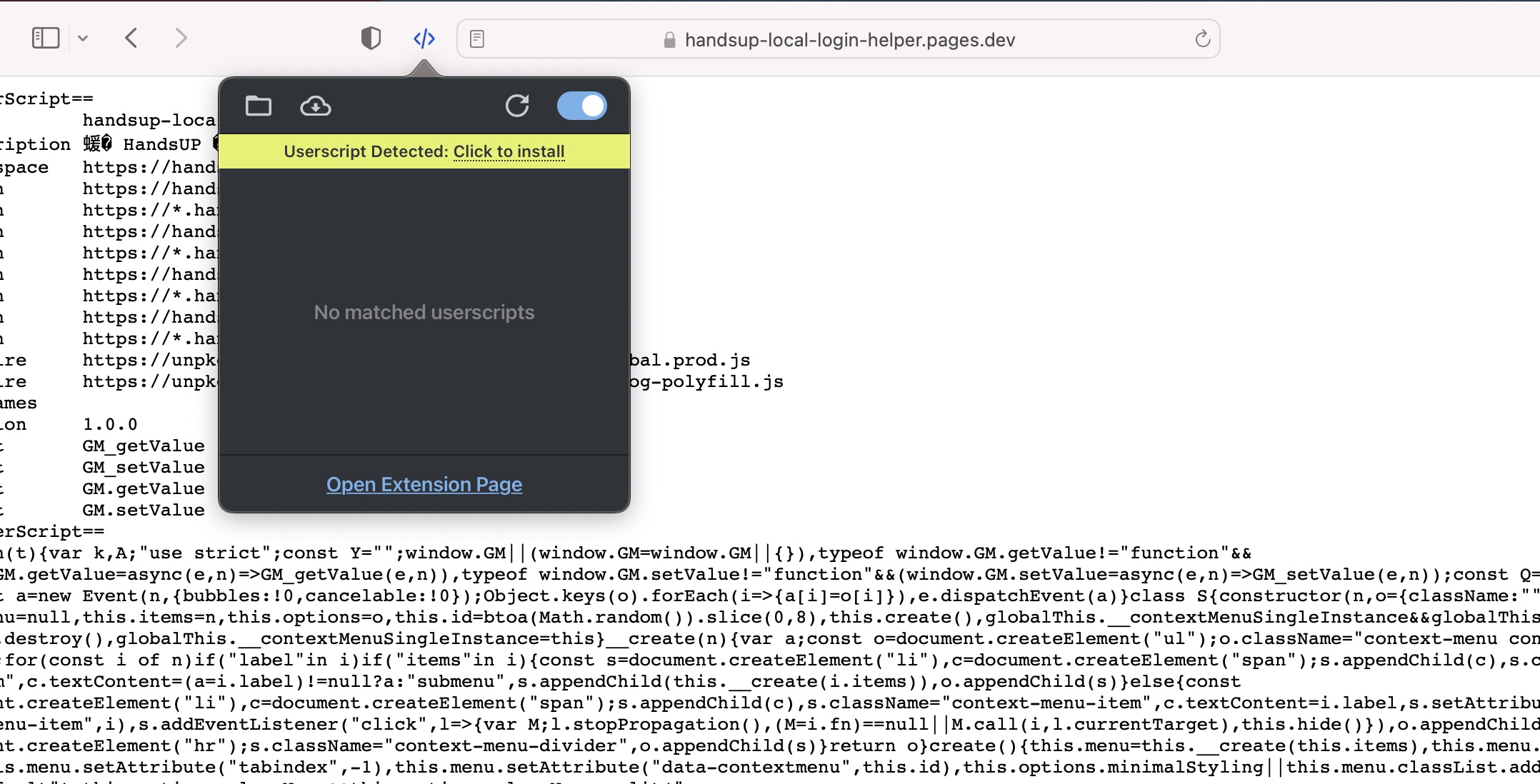
Open the script page by clicking install button above, then click icon of userscript manager and click "Click to install". Finally, scroll to bottom and press the "Install" button.

First, login one store by slack channel #handsup-bot-dev, #handsup-bot-uat or #handsup-bot-prod.
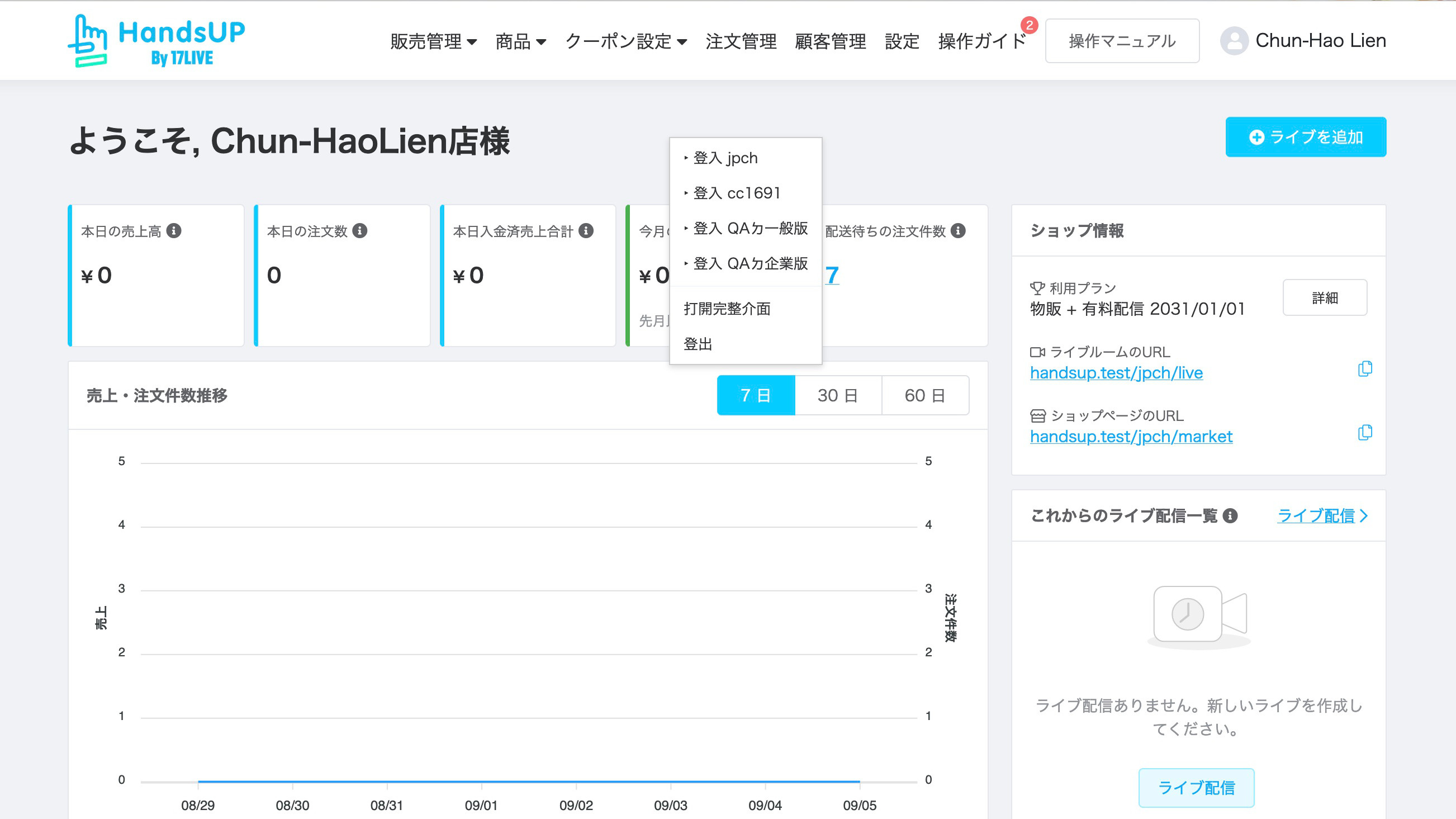
Press the Ctrl key and open your context menu.
Then, open dialog by clicking "打開完整介面" and click "新增現在帳號".
Finally, click "儲存並關閉".
Press the Ctrl key and open your context menu, then select an account you want to login.
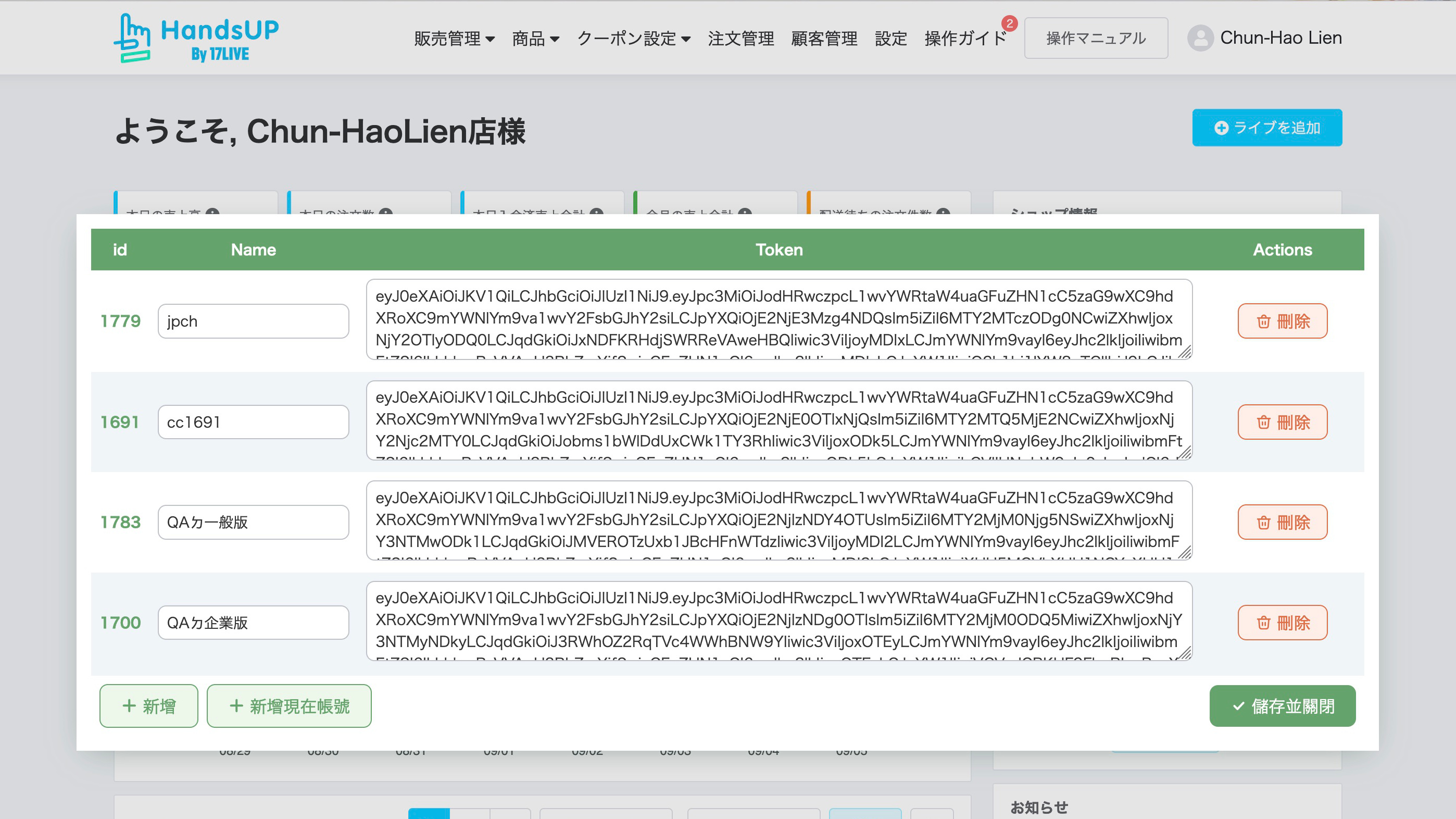
The token will expire 2 months after it is issued. You need to manually update the token when a token expired.
MIT
